Contribution
The FIP Guide is an open-source and community project. If you would like to update or add information, you can do this independently. To ensure the accuracy of the information, all changes are reviewed by the FIP Guide team before they are published.
Pages can be adjusted directly in the FIP Guide via the Content Management System (CMS). More about this in the section Direct Editing. If you already have technical background knowledge, you can make changes directly via GitHub, more about this under GitHub Contribution.
Direct Editing
You can edit the content of the pages directly via the Content Management System (CMS). It is available at fipguide.org/admin.
Please note the following points when editing:
Login
To log in to the FIP Guide CMS, you need a free GitHub account. GitHub belongs to Microsoft and is a platform for collaboration in open-source projects. You can easily create the GitHub account on the GitHub website.
You can log in to the CMS with this GitHub account. During the login, the use must be confirmed with “Authorize”.
When you log in for the first time, you will be asked whether a so-called Fork should be created. This automatically creates your own copy of the page. This is necessary so that changes can be saved in the CMS. Please confirm this with “Create Fork”.
Open Pages
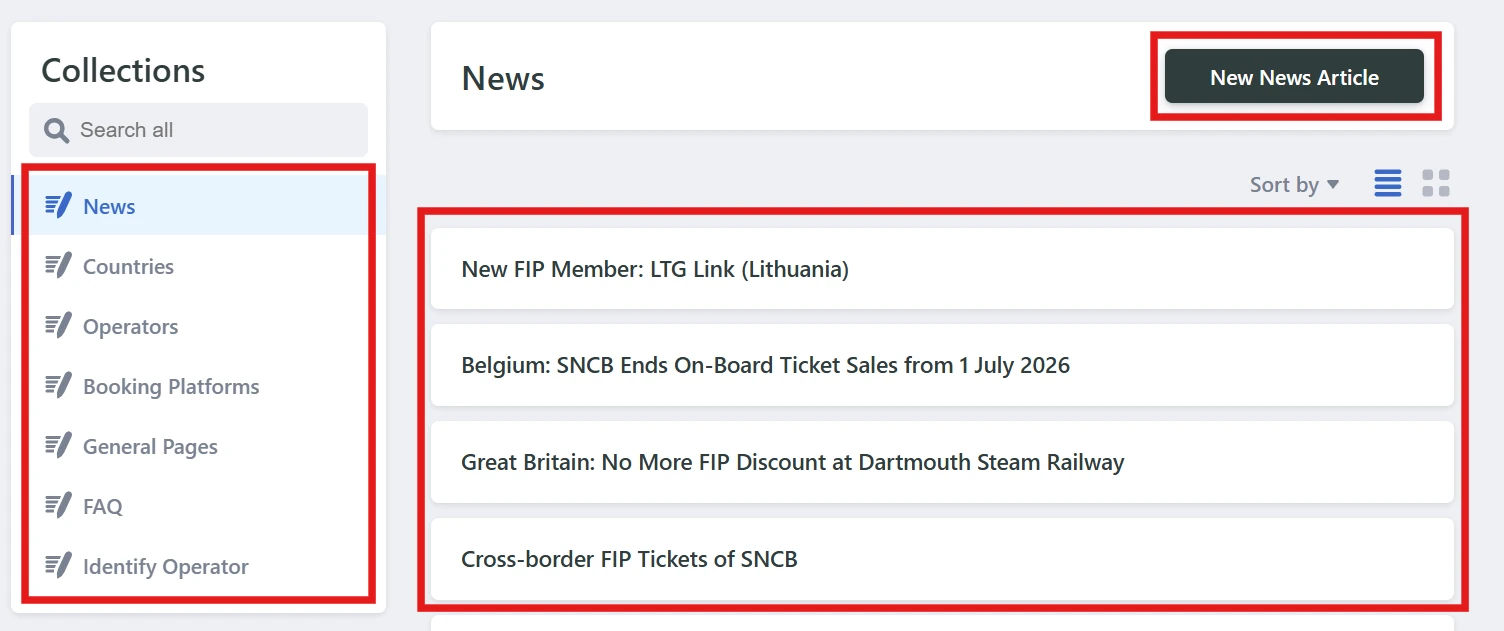
On the homepage of the FIP Guide CMS, the page category can be selected in the left menu and then the desired page can be opened in the center or a new page can be created.
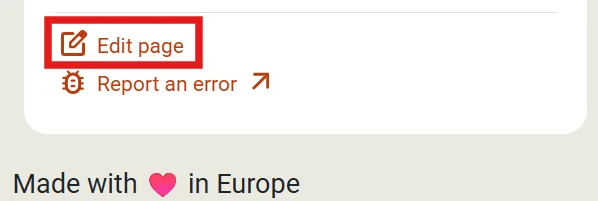
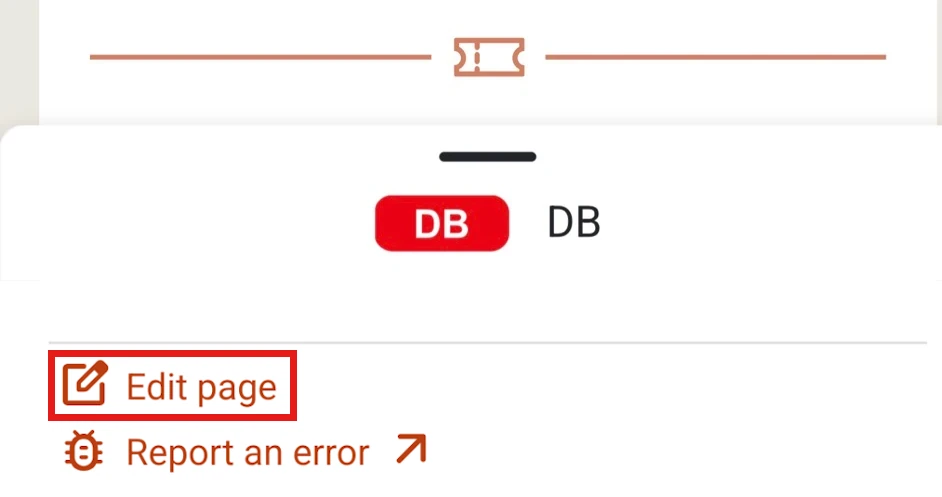
Alternatively, the page to be edited can also be opened via the FIP Guide and then modified via the CMS using the “Edit page” menu.
Edit Page
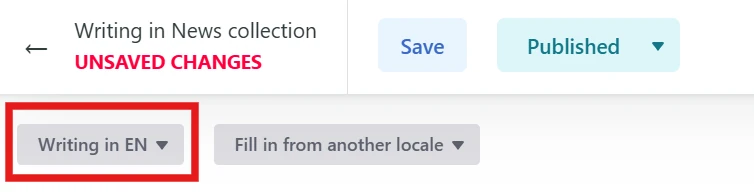
If you want, you can independently update all languages of the page. However, this is not absolutely necessary. You can also update information in only one language. The FIP Guide team will review the changes and then update the information in all languages.
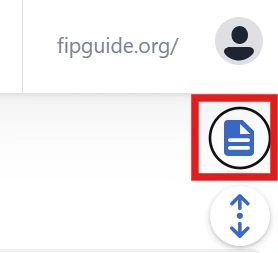
Save and Publish Changes

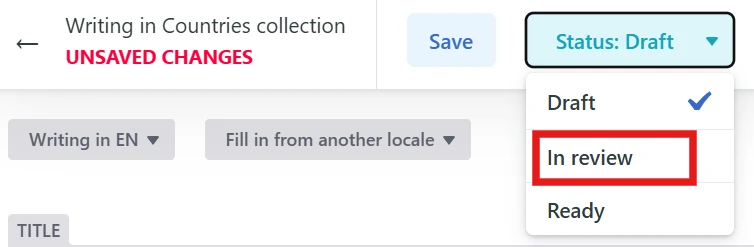
Every change that has been set to the Review status is visible on GitHub: FIP Guide GitHub changes (pull requests). Your change is also visible there and comments can be left on the change. The FIP Guide team reviews the changes and, if necessary, asks questions via the comment function.
Continue Working / Overview of Changes
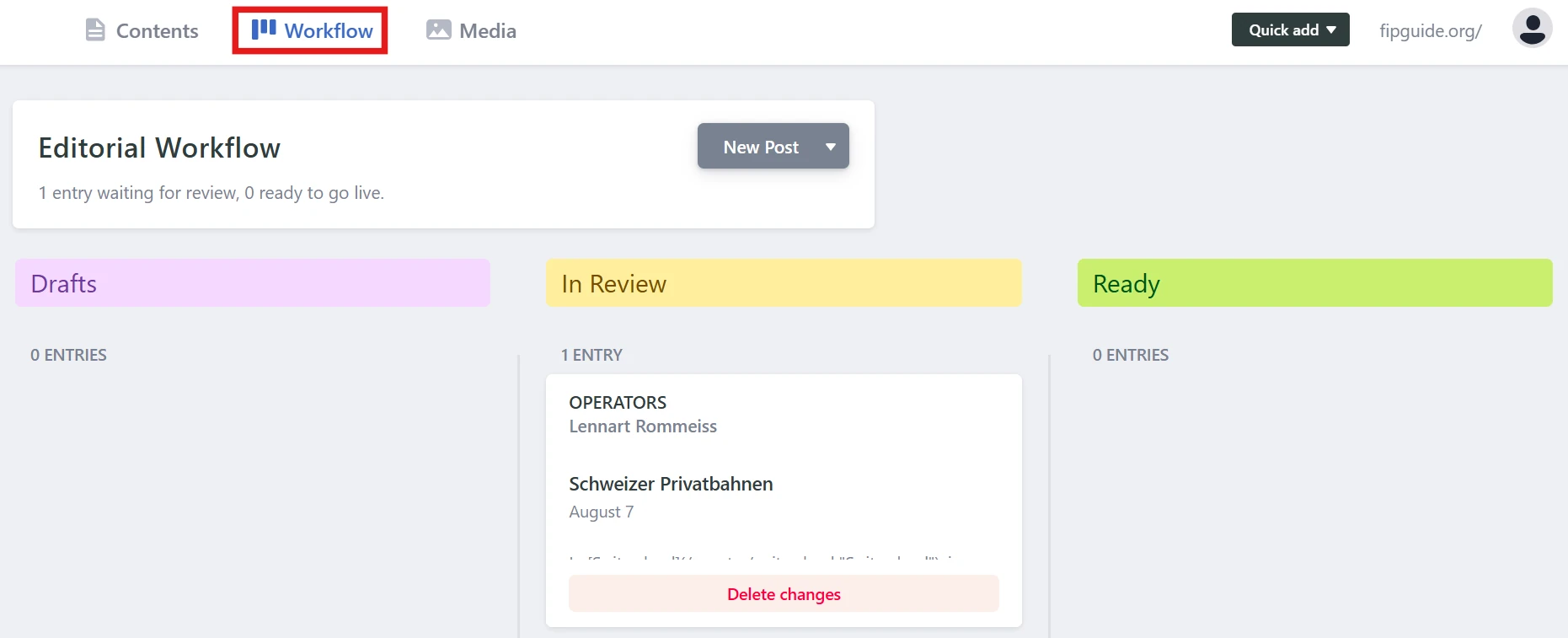
If you have saved your work on a page and want to continue, or if you want an overview of the status of all your changes, you can do this via the Workflow menu item.
- Draft: Changes that are still being worked on and are not yet ready for review.
- Review: Changes that are being reviewed by the FIP Guide team.
- Ready: Changes that have been reviewed by the FIP Guide team and will be published shortly.
Preview

Generating the preview can take 5-10 minutes!
Use Check for Preview to check whether the preview has already been generated. The preview is regenerated with every adjustment, but remains available if the changes are continued at a later point in time.
GitHub Contribution
The FIP Guide uses the static website generator Hugo to create the website. The page can be edited directly in GitHub via the web IDE or your local development environment. Further information and help are available in the GitHub wiki and contribution guide.
Support
If you need help with editing, you can contact us at any time by email or via the FIP Guide Community. Further information can be found on the contact page.